
Pi Remote · remote AI coding
Pi, right in your pocket.
Your coding agent runs on a server you own. This is the handle: ask for a change from your phone, watch it work, read what it touched, and keep only what you meant to keep.
- No account
- No cloud backend
- iPhone & Android
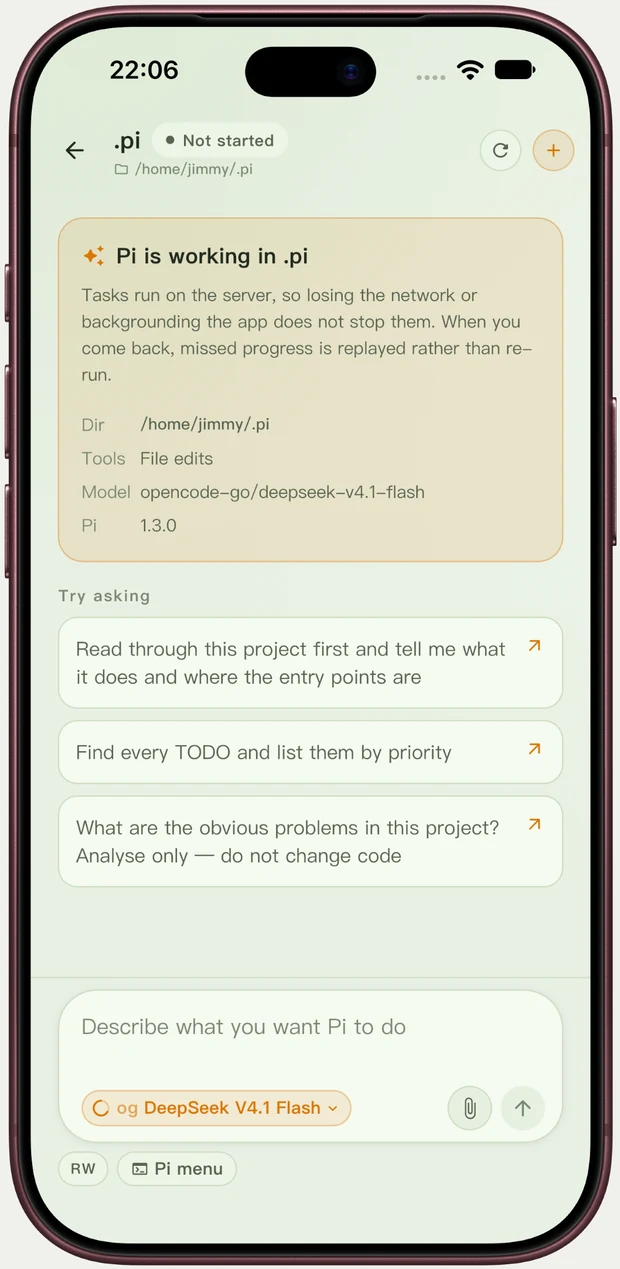
The work happens on your machine. Your phone is the window.
Nothing about your code, your conversations or your prompts passes through a service of ours — there is no service of ours to pass through.
Your project stays where it lives
Files, git history, model calls and session logs never leave the server you already use. Sync is not a feature because there is nothing to sync.
Lock the phone, the task keeps going
Work runs on the server, not on the handset. Lose signal or come back an hour later and the progress is replayed to you, not restarted.
Nothing changes behind your back
Each task begins from a recorded baseline, so you can compare, undo or accept the result before it reaches your branch.
Getting started
Three steps, then you are coding.
The first two minutes are setup. After that it is just the app you already know.
-
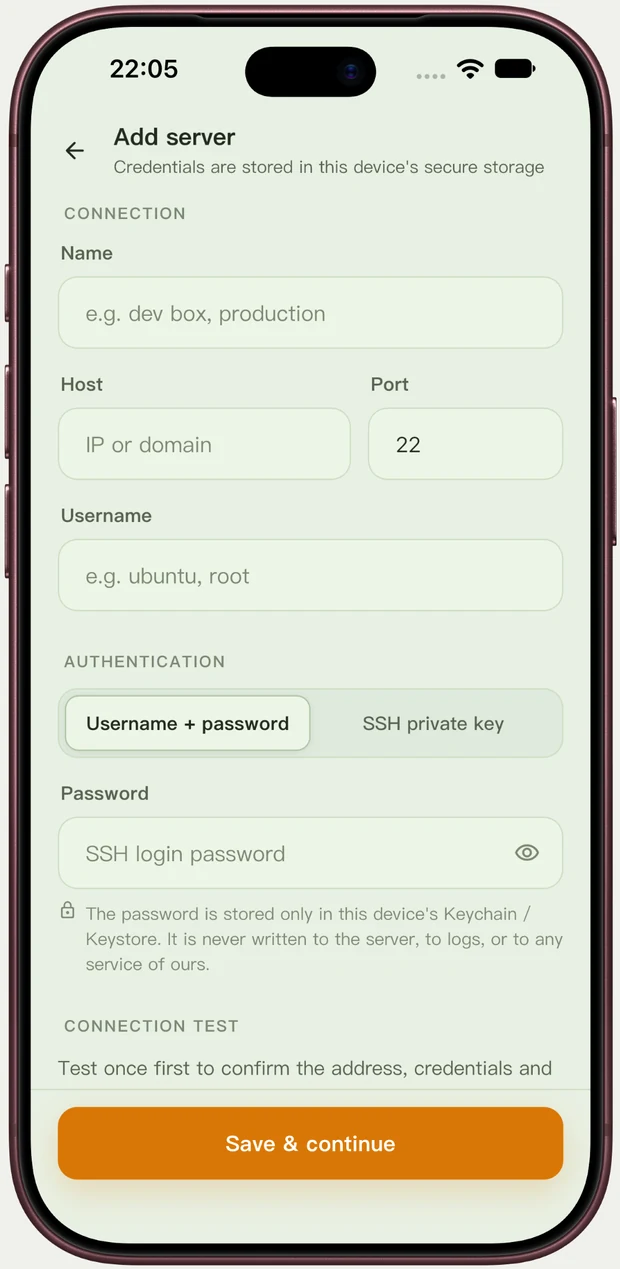
Add your server
Address, user name, and the login you already use — password or private key. It is kept in this phone's keychain, never on the server and never in a log.
-
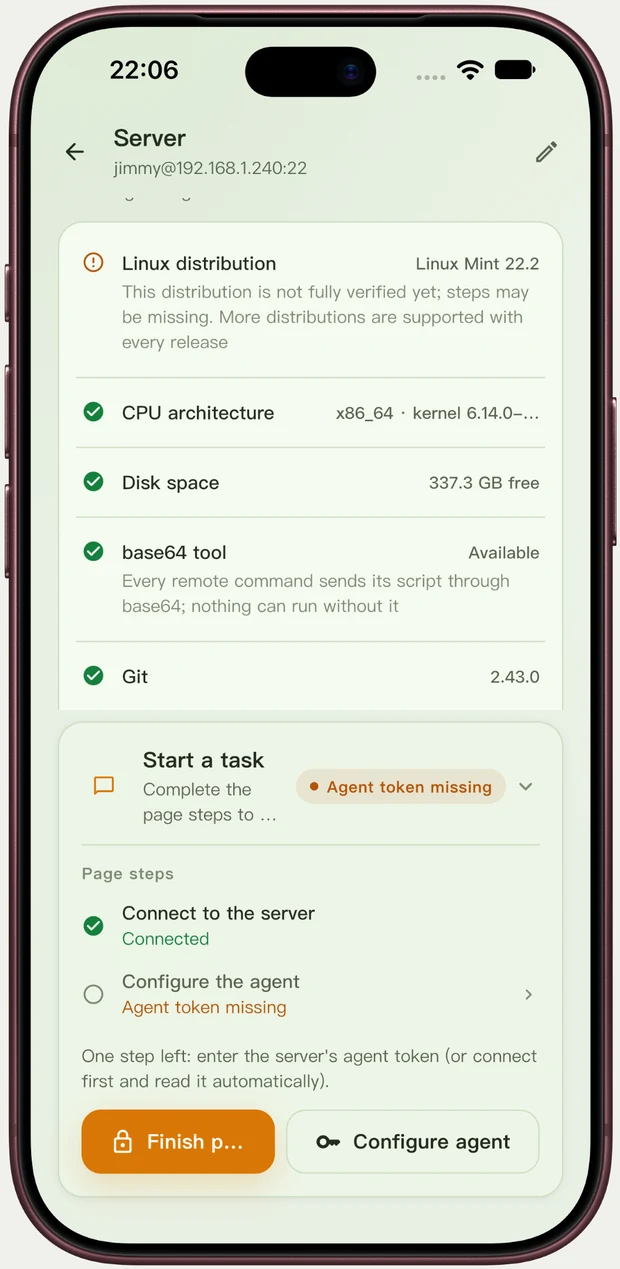
Take a look around
Before anything runs, the app reads the machine: system, disk space, git, and whether the coding agent is ready. You are told what is missing, not left guessing.
-
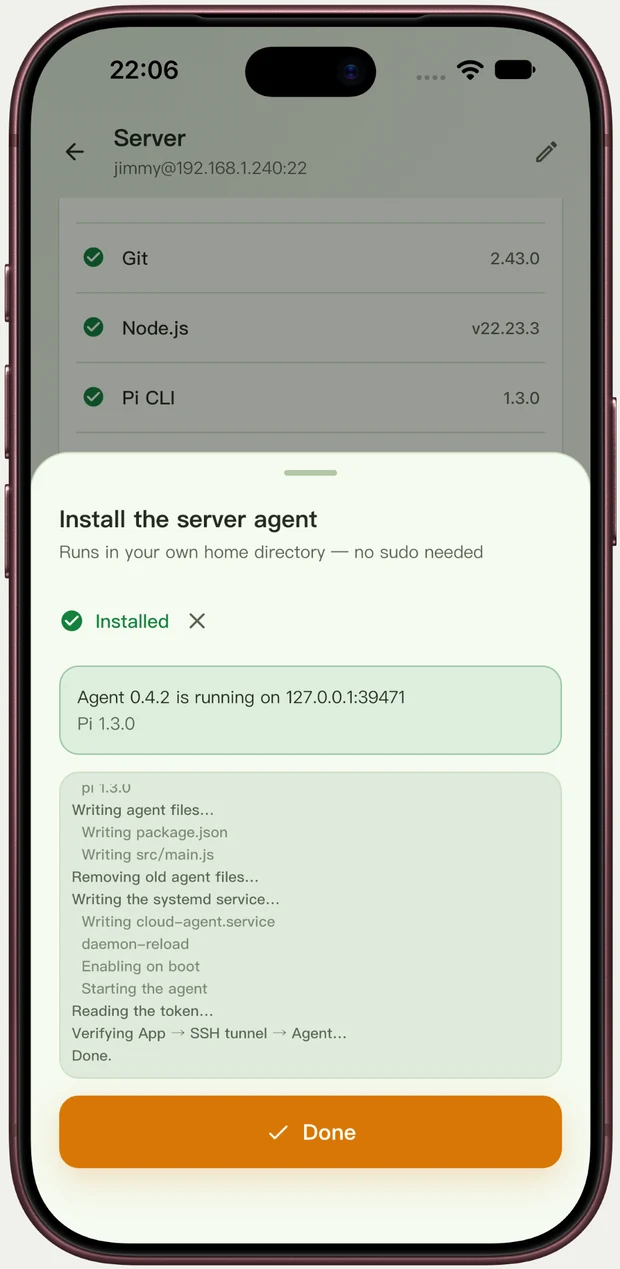
Install the helper
One tap sets up the small helper that lets the app talk to your server. It lives in your own home folder, needs no admin rights, and updates itself from the app later.
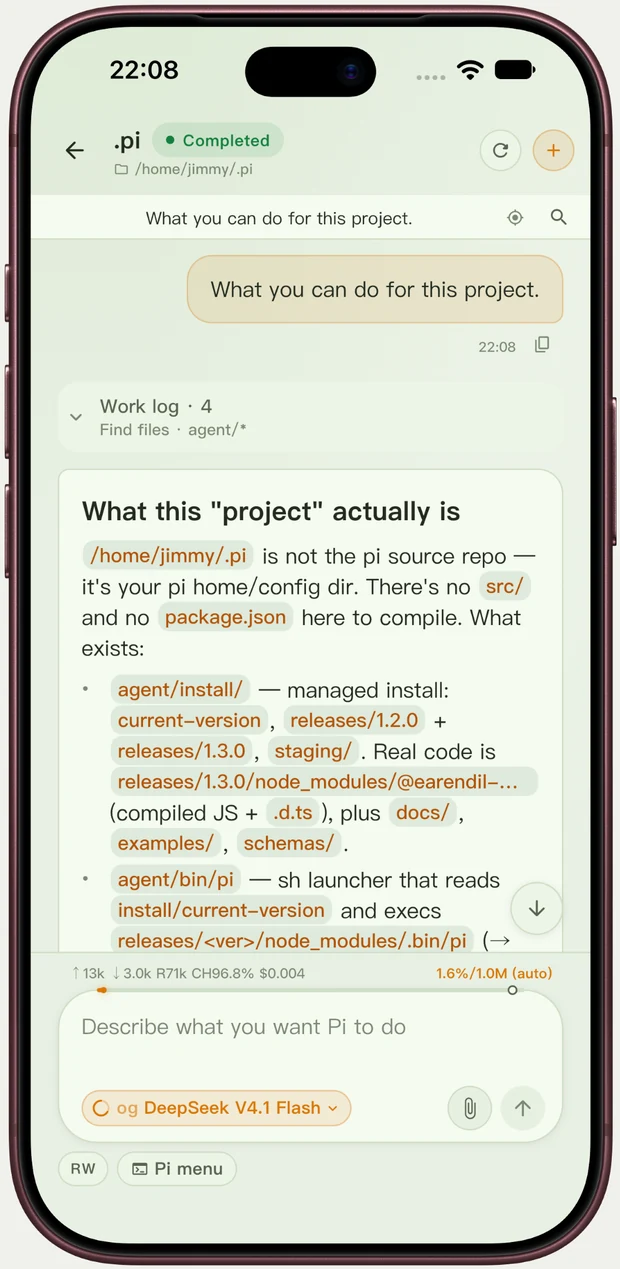
Watch it work, then read the receipts.
Every answer arrives with a work log: what it looked at, what it ran, what it changed. When the task ends you get a per-file diff — readable on a phone, not just in a terminal.
- One card per action, so nothing happens invisibly.
- The files a task changed, listed on their own.
- Commit only this task's files, push, or undo the whole thing in one tap.
- Undoing never touches the edits you made yourself.
- Stop a run at any time, or correct it while it is still going.
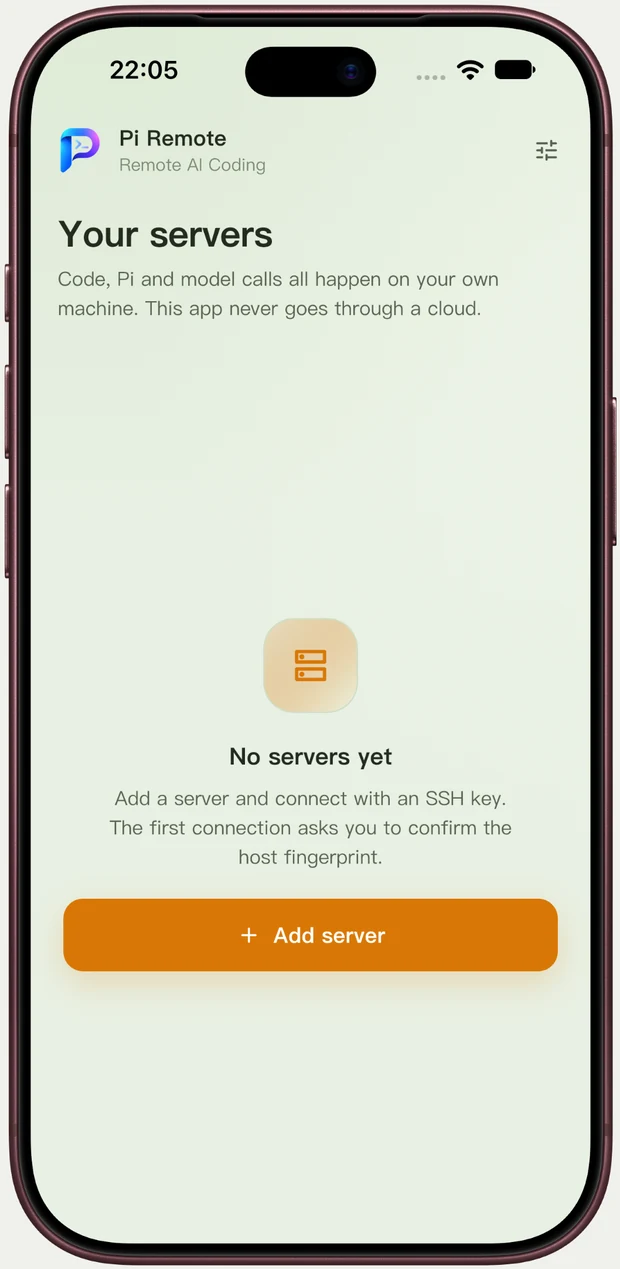
One machine, or a handful.
The VPS, the box under the desk, the little home server — one list. Switch between them and pick a session back up where it stopped, restored from the server rather than from the phone.
- Each server keeps its own credentials, encrypted on the device.
- Recent projects one tap away.
- Real sessions, real model list, real thinking level — the agent's own.
- Send screenshots and files along with a request.
Before you download
This app needs a server. That is rather the point.
Pi Remote is a remote control for a machine you already own. It cannot think on its own, and it never will — that is what keeps your code yours.
-
A Linux machine you can log into
A VPS, a spare computer, a NAS with a shell. Both common chip families are supported; anything added in the last few years will do.
-
Pi and a model key
Install the Pi coding agent on that machine and bring the API key for the model you already pay for. Token costs are yours, paid directly to the provider.
-
Nothing else
No sign-up, no waiting list, no onboarding call. The free version is the whole app for one server, for as long as you like.
Free to use. Pro when you grow into it.
One purchase, handled by the store. No account to create, no task quota, no token budget — your server and your model are already yours.
Free
The complete app, for one server.
- Chat with the agent, with streamed answers and tool cards.
- Environment check and in-app install and update.
- Changed files, per-file diff, undo.
- Model picker and thinking level.
Pro
or $14.99 a year · $19.99 once for good
- Unlimited servers.
- Sessions: browse, fork, clone, rename, compact.
- Commit only this task's files, and push.
- Branches, attachments, and up to 12 recent projects.
Get Pi Remote
One app for iPhone and Android. Free to download on both stores; Pro is an in-app purchase, and nothing is metered.
Questions before you install? Write to [email protected].